Production app
Uplift NLS
Production HRMS app for Nevian LifeScience's workforce, built solo with Kotlin & Compose Multiplatform and live on the App Store.
Overview
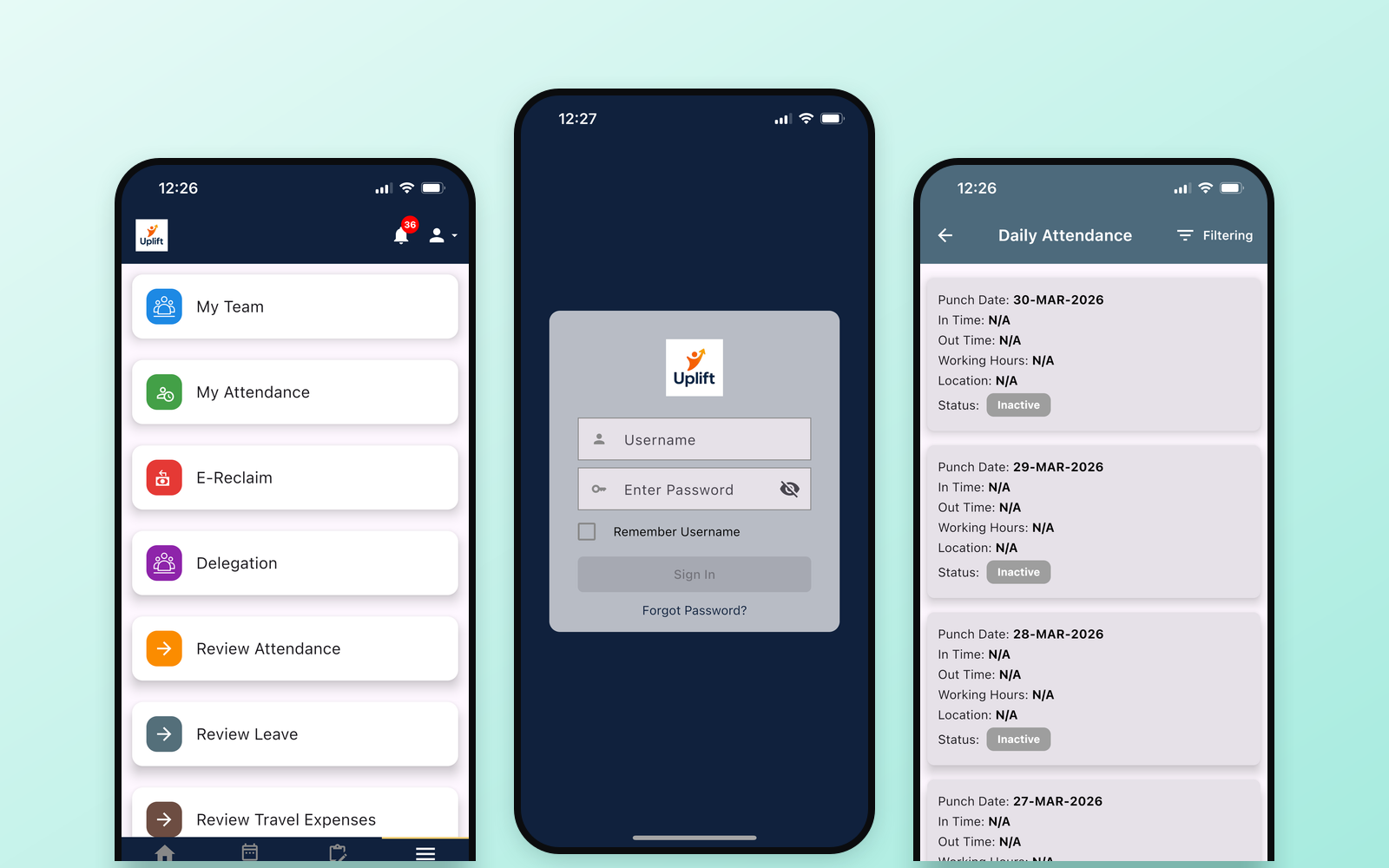
Uplift NLS is the HR app Nevian LifeScience’s workforce uses day to day: marking attendance, applying for leave, delegating approvals, tracking expenses and generating reports. I built it at SMAC IT Limited with Kotlin Multiplatform and Compose Multiplatform, so one codebase serves both iOS and Android. It is live on the Apple App Store.
My role
I was the sole mobile developer: I built the app across both platforms and handled the iOS release myself: code signing, provisioning and App Store submission. I worked alongside designers, backend developers and QA in an Agile team.
Problem
Nevian LifeScience needed a single HR app for its workforce on both iOS and Android, covering daily attendance with location tracking, leave and delegation, expense tracking and reporting, without maintaining two separate native codebases.
Approach & architecture
- Shared code with KMP + CMP. Business logic and UI are written once in Kotlin and shared between iOS and Android.
- MVVM and Clean Architecture keep the UI, business rules and data layers separate and testable.
- Networking with Ktor Client and Kotlinx Serialization, talking to the backend’s REST APIs.
- Local storage with Room; image loading with Coil.
- Location via Location Services and the Google Maps API for attendance check-ins.
- Push notifications through Firebase Cloud Messaging on every user’s device.
Key features
- Daily attendance with map integration
- Apply for leave
- Delegation
- Expense tracking
- Automated report generation
- Real-time push notifications
Challenges & learnings
GPS drift indoors. Attendance check-ins happen inside office buildings, where GPS readings drift. I retried until the app got a better location fix, and validated check-ins against a geofence radius around the office instead of an exact point.
Shipping to the App Store for the first time. This was my first iOS release. I learned the full process end to end: code signing, provisioning, TestFlight and App Store submission.
iOS notifications in the background. Push notifications weren’t showing when the app was in the background or closed. I fixed this by sending the correct notification payload format and setting up the notification and Firebase Messaging delegates properly in the iOS app.
Screenshots
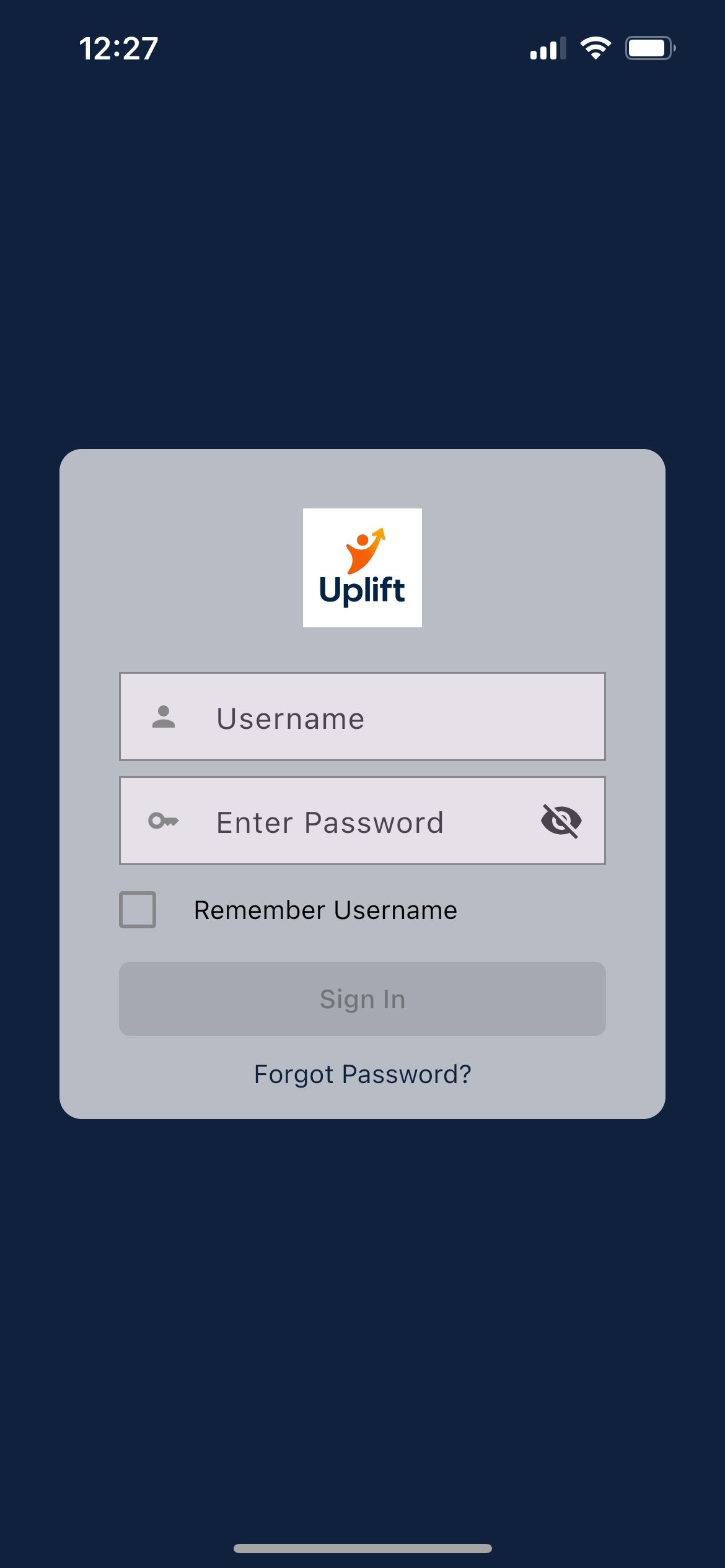
Sign in 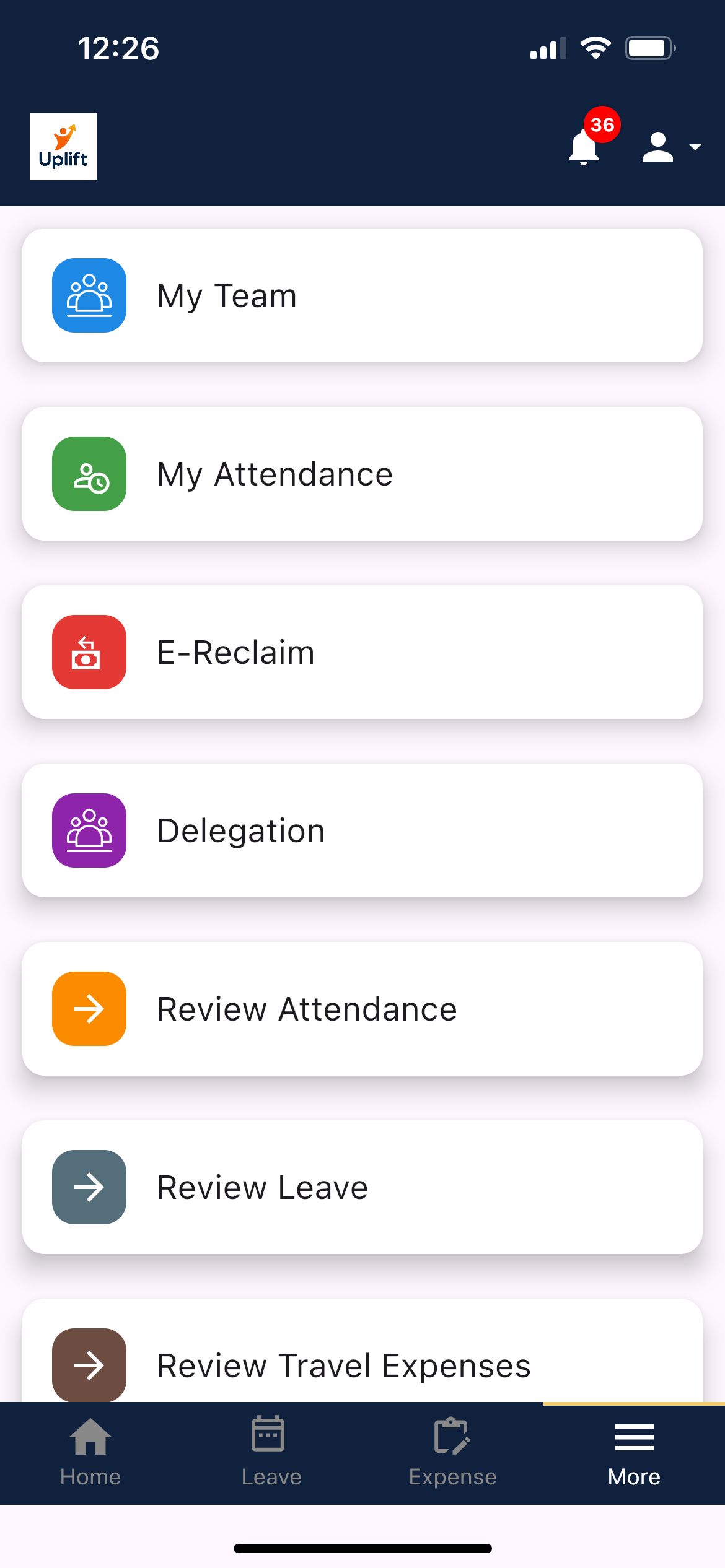
Feature menu 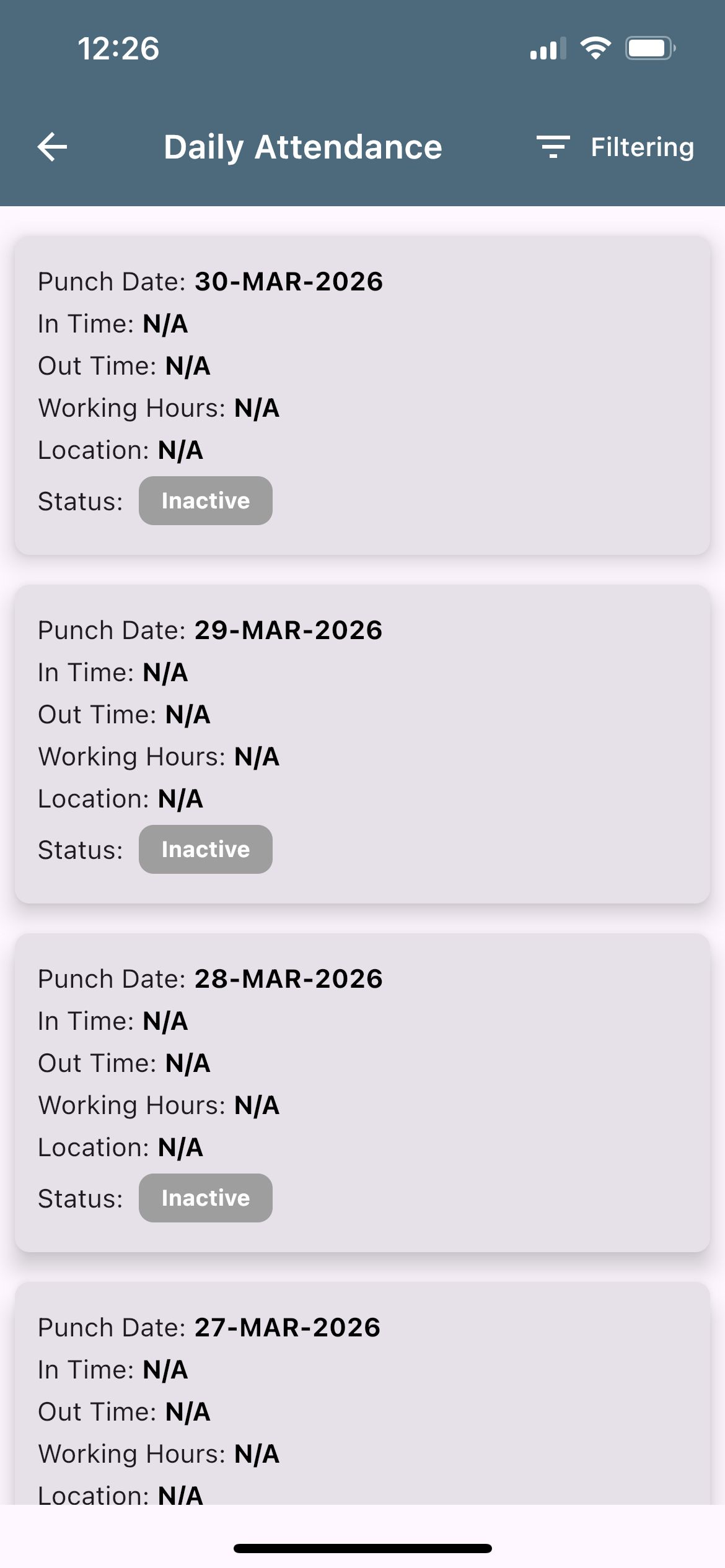
Daily attendance 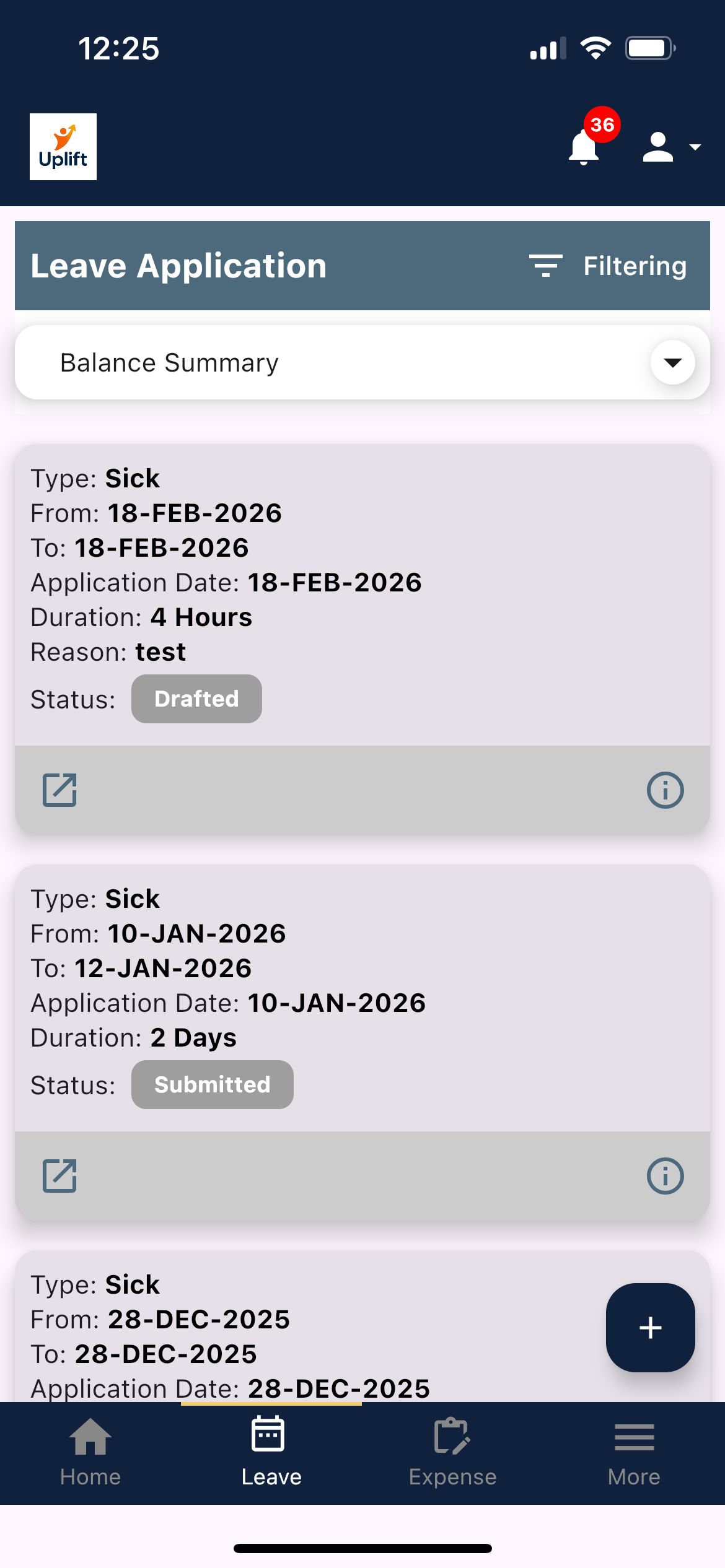
Leave applications 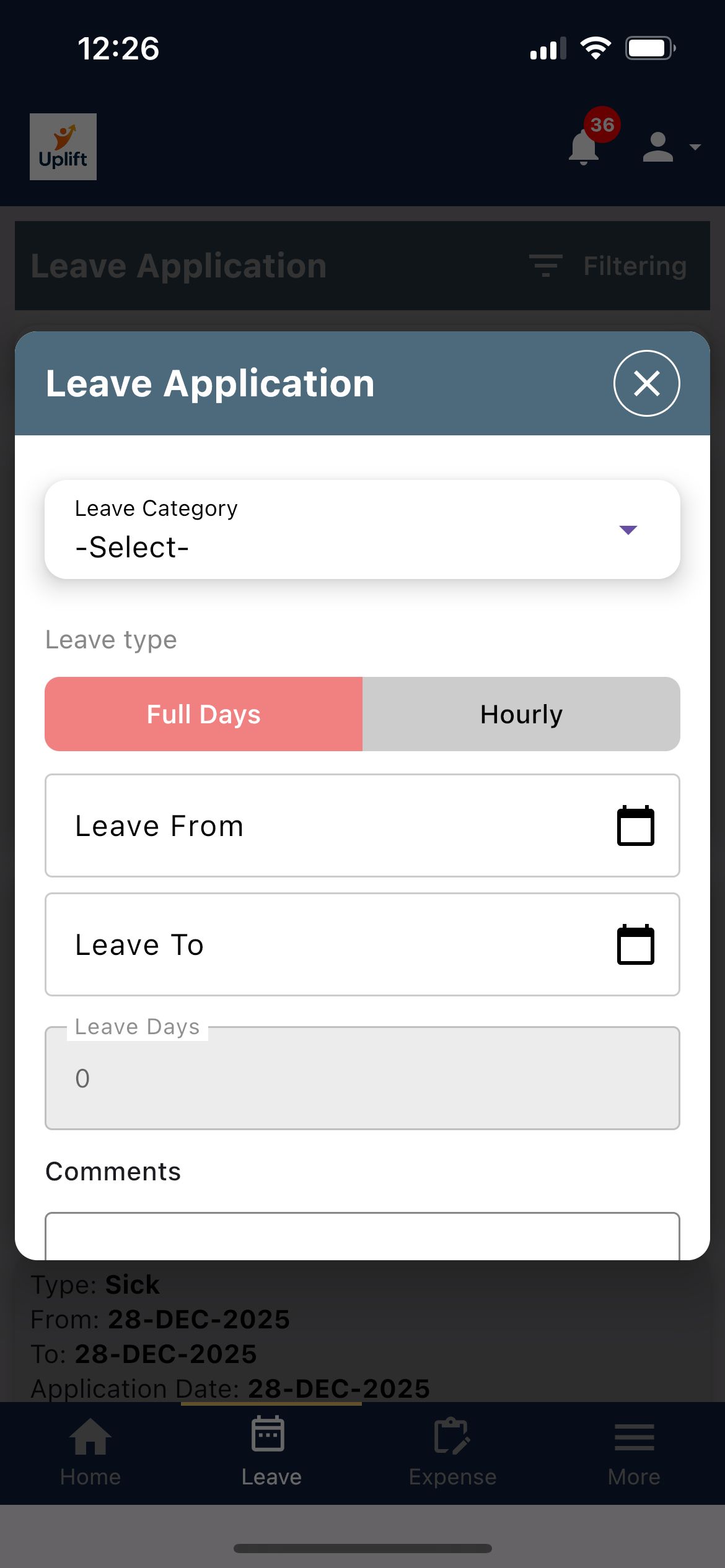
Apply for leave 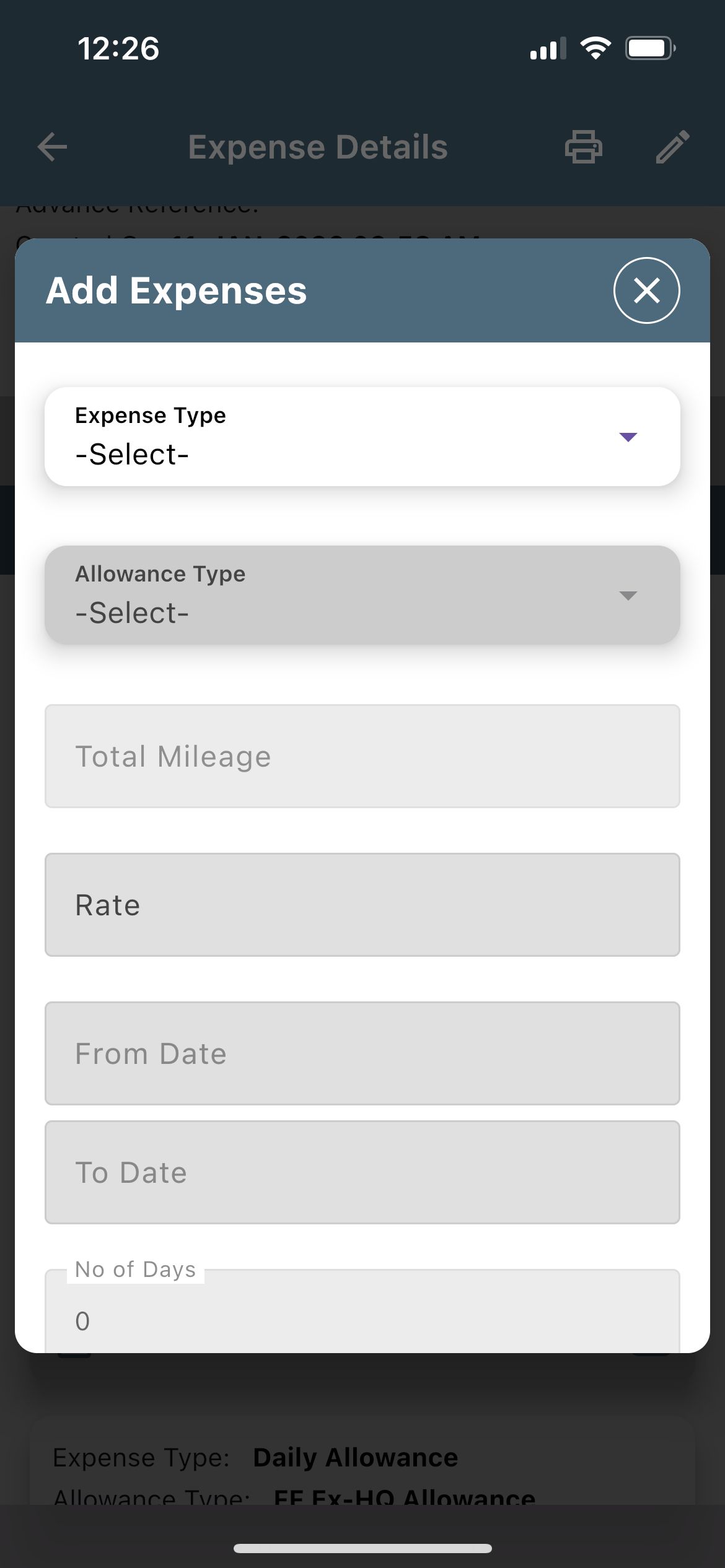
Add an expense